


Table of Contents
- Find the e-Edition
- Login First
- Using the e-Edition
- Select Edition
- View Article
- Reading Options
- View Pages
- View Editions
How to find the e-Edition
Click View latest E-Edition or Print Replica in the header, left of the logo

Login First
Make sure to login first by clicking the Log In button at the top right of the site.

Using the e-Edition
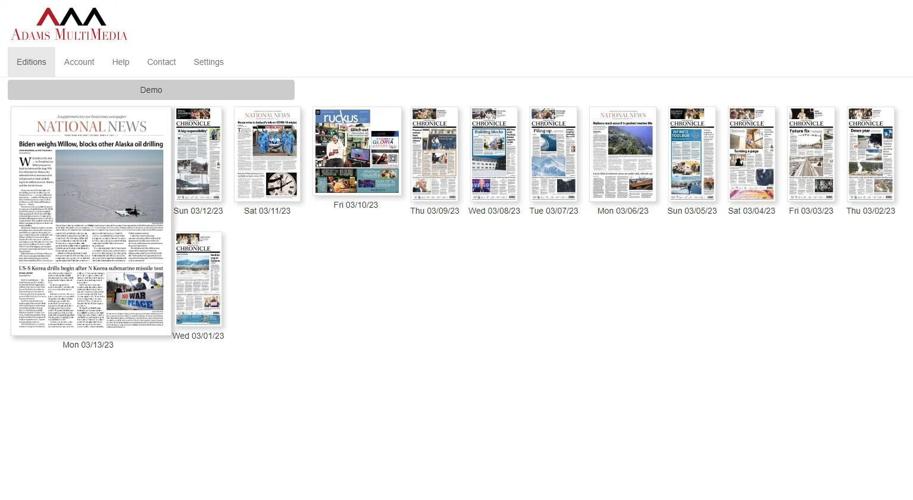
The front page of the e-Edition will show a selection of the latest editions.

Select Edition
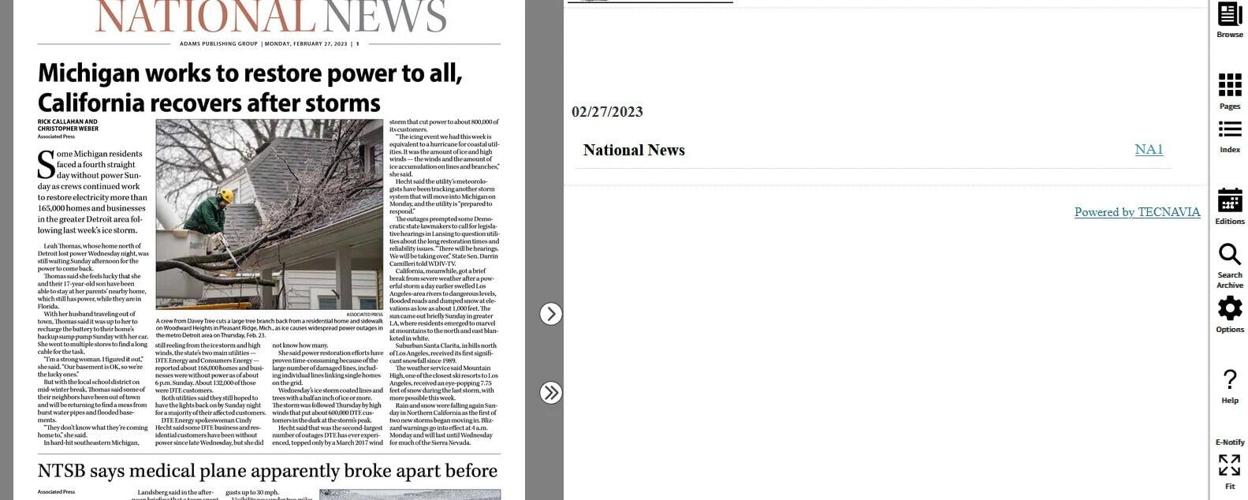
Clicking on any of the editions will bring up a screen showing the replica on the left of the screen and a table of contents on the right.

Click to View Article
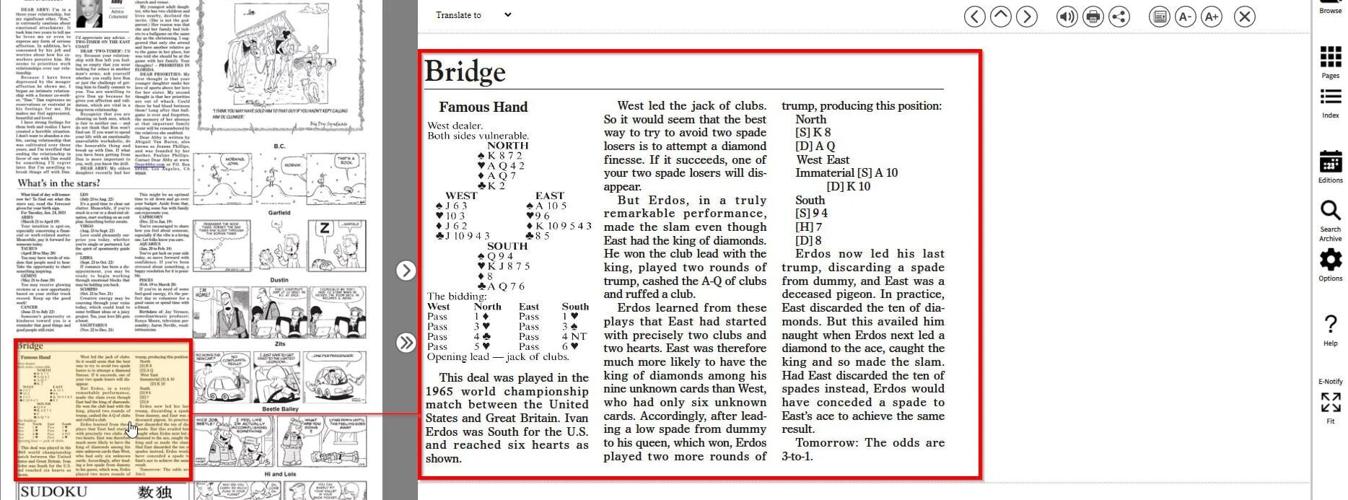
Clicking any of the articles on the e-Edition on the left will bring up an easier-to-read version on the right.

Reading Options
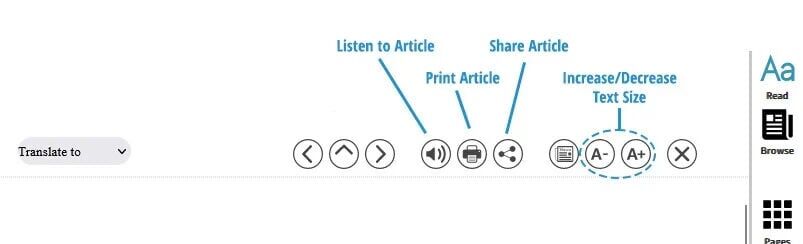
The buttons at the top of the article will allow you listen to a reading of the article, print it out, share it online, or increase/decrease the text size for easier reading.
View Pages
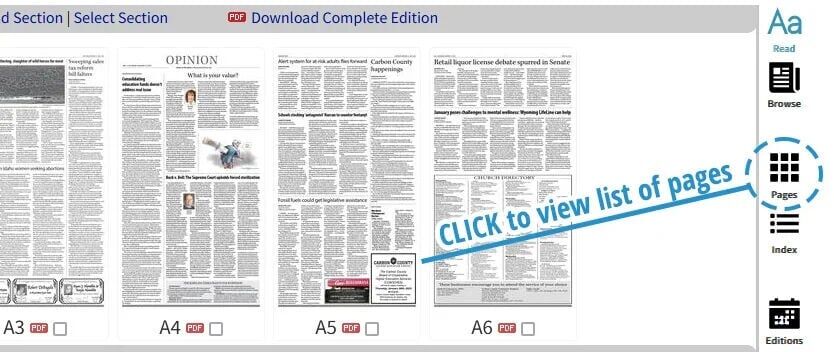
Click the Pages button on the right to see a list of all the pages in the e-Edition.
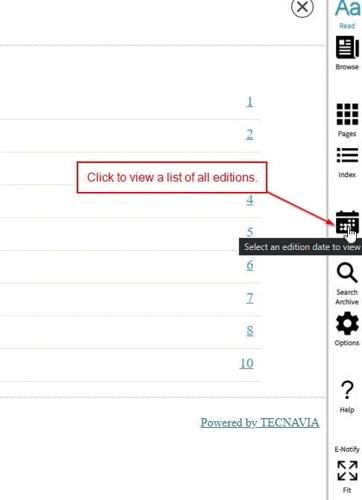
View Editions
Click the Editions button to view the list of editions again.
